School pickup, without the carline chaos.
A tap-to-arrive dismissal app for schools and daycares. Parents tap “on my way,” staff walk the right child to the right car, and the line keeps moving — a safer curb, a shorter wait, and no idling guesswork.
The dismissal-hour bottleneck
A crawling carline and a stack of paper name cards.
Parents idle for twenty minutes, staff squint at dashboard name cards, and matching the right child to the right car takes shouting and radios.
✕ The old way
- ✕A long, crawling carline every afternoon
- ✕Paper name cards and hand signals
- ✕Guessing which child belongs to which car
- ✕No clean record of who left, and when
✓ With SiteCheckin
- ✓Parents tap “on my way” before they arrive
- ✓A dismissal board that matches child to car
- ✓Children ready at the curb as you pull up
- ✓Every pickup time-stamped and logged
How it works
One QR code. The whole visit — both sides.
A full dismissal, shown as the moment at the curb plus the actual SiteCheckin screen at every step.
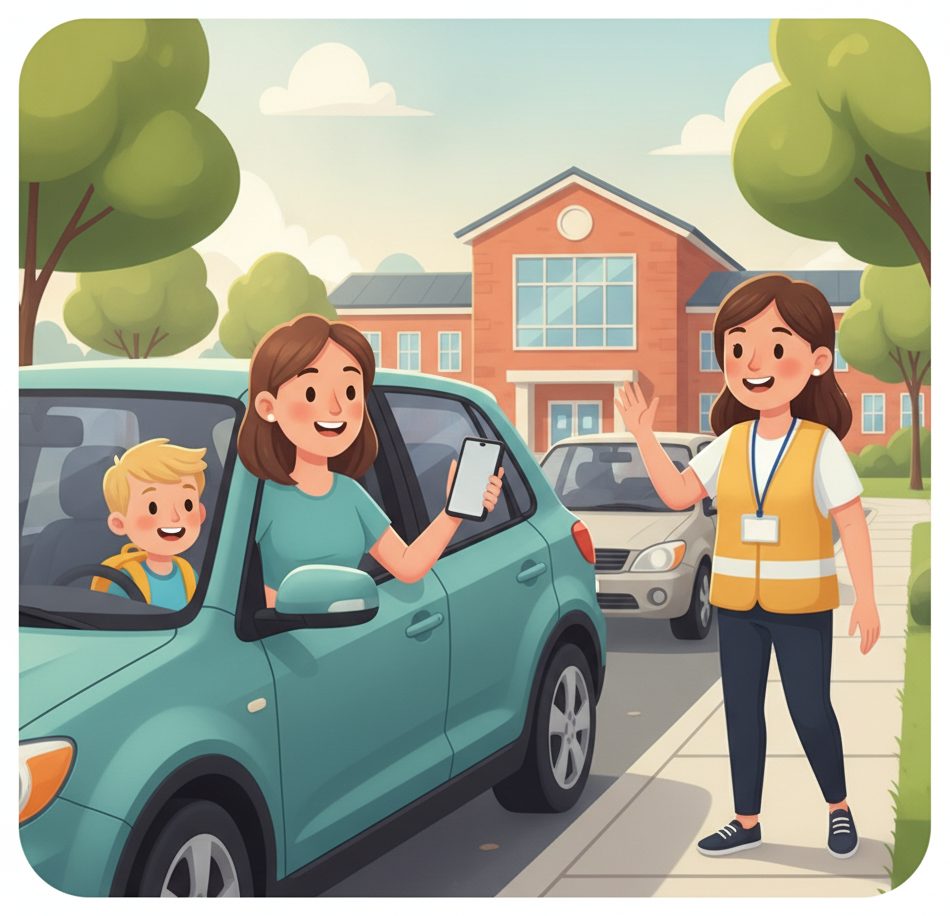
Tap “on my way” from the car
Heading out? One tap tells the office you're coming — before you even pull up.
Taps once when leaving work or home.
The child appears on the dismissal board as inbound.
Join the carline
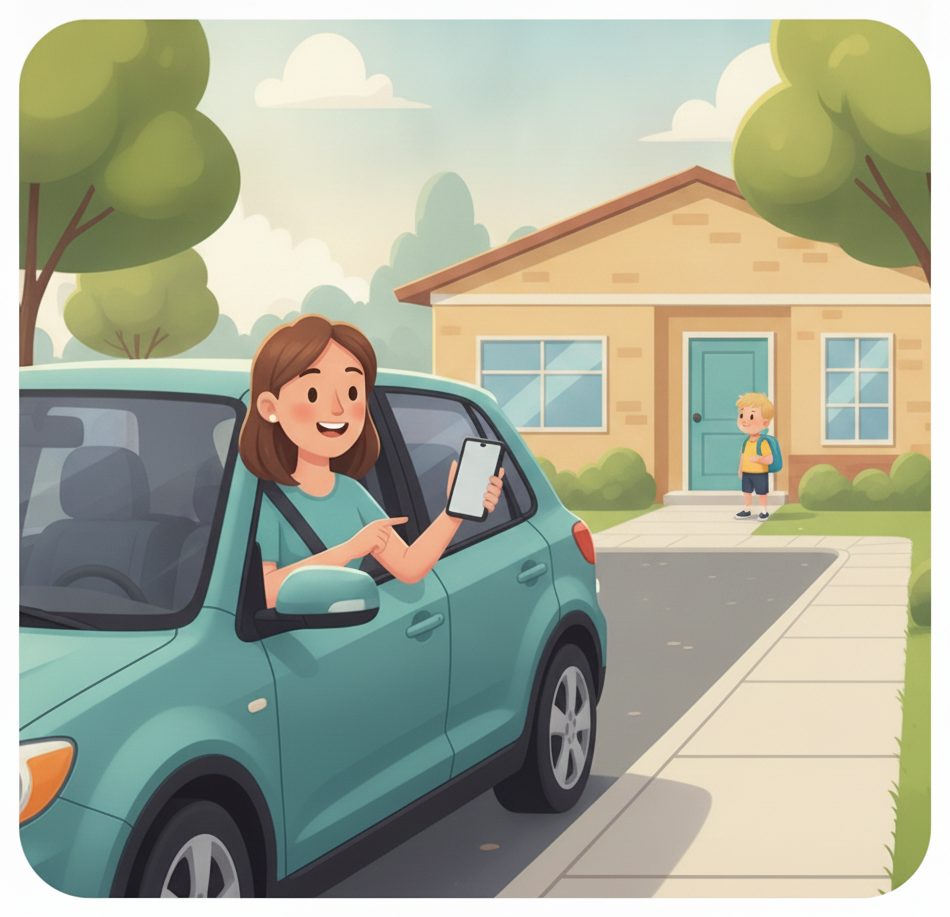
Pull into the line and your spot goes live — no leaning out the window to ask.
Sees “#3 · about 4 min” on the phone.
Sees which car is which, in order.
Staff walk your child out
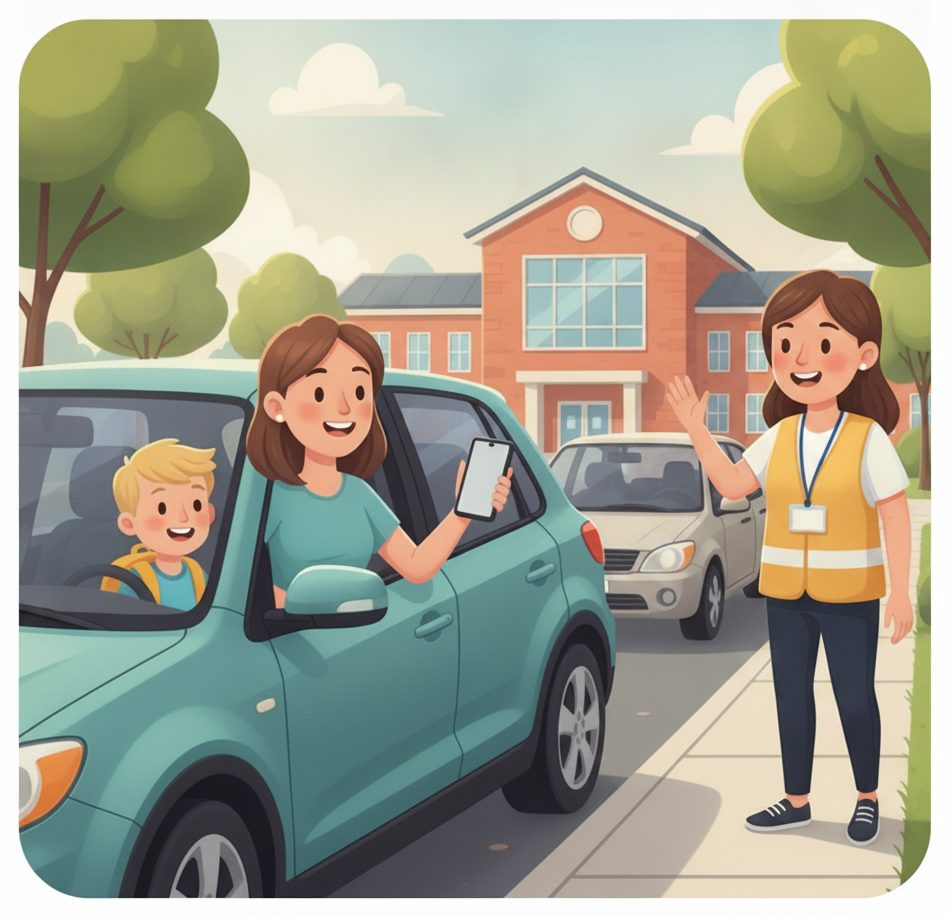
As you approach, the office calls your child and walks them to the curb — matched to your car.
No parking, no walk-up to the door.
The right child to the right car, every time.
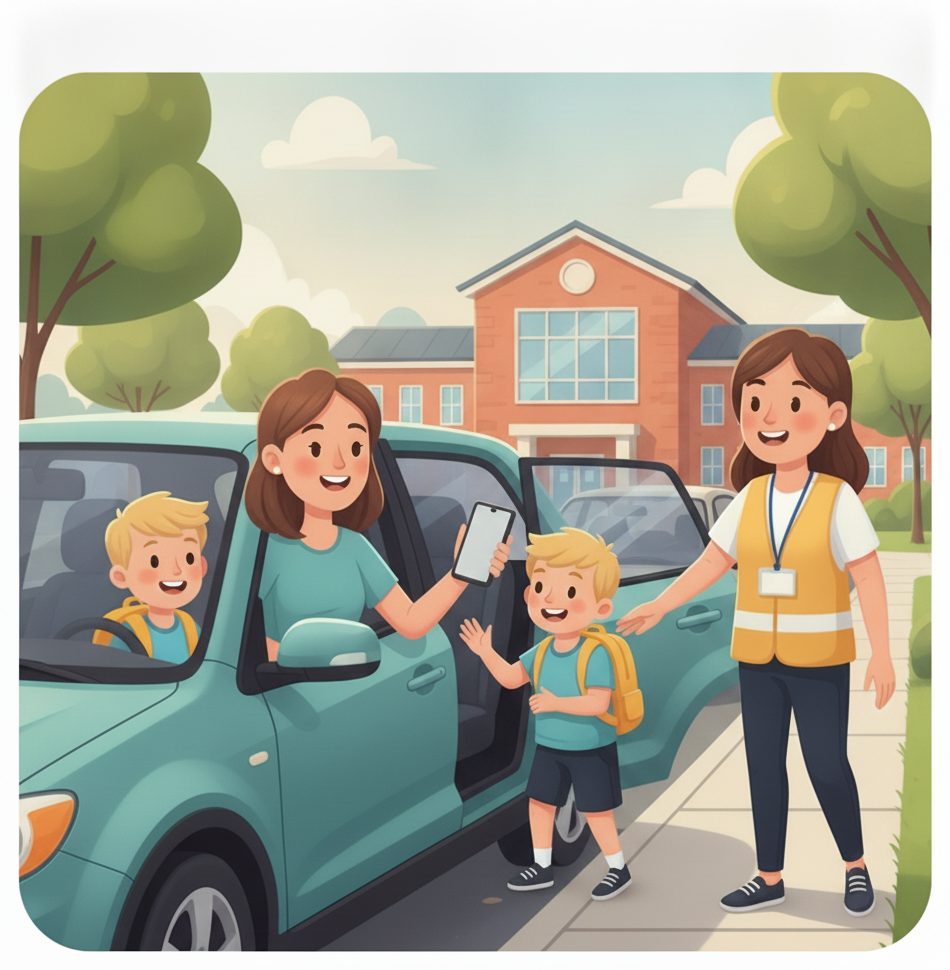
A quick, safe handoff
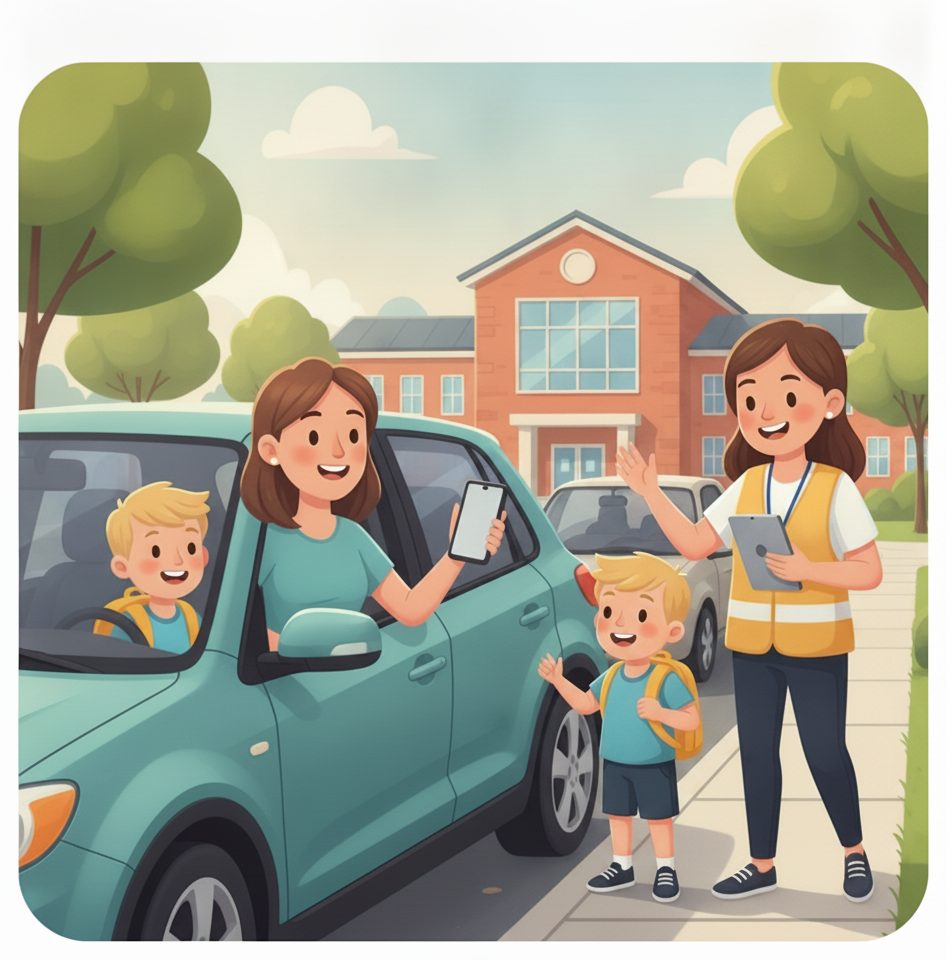
Your child hops in at the curb and you're on your way in seconds.
Buckled up and gone — no idling.
Tap picked up — the log updates.
The line keeps moving
Each handoff clears the spot and the next family is called automatically.
No waiting 20 minutes in a crawling line.
A calmer, faster, auditable dismissal.

The payoff
Why School pickup teams switch.
No idling carline chaos
Parents tap “on my way,” so children are ready at the curb and the line never stalls.
Right child, right car
Each car shows on the board matched to its child — the safe handoff every school wants.
A live place in line
Parents see their spot and the wait on their phone — no leaning out to ask “are we next?”
A safer curb
Fewer parents walking across a busy lot; children stay with staff until their car is there.
No app to download
Parents use a link in their browser. Staff run dismissal from the tablet you already have.
An auditable log
Every pickup is time-stamped and recorded — who left, with which car, and when.
Illustrative sample figures, not guarantees. Some features (call-for-help, two-way chat) are switched on per location in settings; SiteCheckin complements your existing tools and doesn't replace them.
Questions
School pickup FAQ
Do parents need to download an app?+
No. They open a link in their phone's browser to tap “on my way,” see their place in the carline, and get the all-set confirmation. Nothing to install.
Does it work for daycares and after-school programs too?+
Yes. Any place that hands children off to a parent or guardian can run the same tap-to-arrive dismissal — schools, daycares, camps, and after-school programs.
How does the school know which car a child goes to?+
Each family's tap and carline spot shows on the dismissal board matched to their child, so staff walk the right child to the right car — the safe handoff every school wants.
How does a parent know their child is on the way out?+
Their status page updates live on their phone — from “on our way” to the all-set confirmation once the child is picked up. They can opt in for an email too.
How do we get started?+
Try the live demo to see both sides, then set up your school in about a day — add rosters, print the parent link, and you're ready for dismissal.
See a full dismissal, both sides, in the live demo.
Watch tap-to-arrive, the live carline, and the matched dismissal board work together — then start free and print your parent link.