Fill more tables, skip the host-stand crowd.
A QR waitlist and table-service app for restaurants. Guests join the line from their phone, wait anywhere, and call the server right from the table — so your host stand stays clear and no one waves for the check.
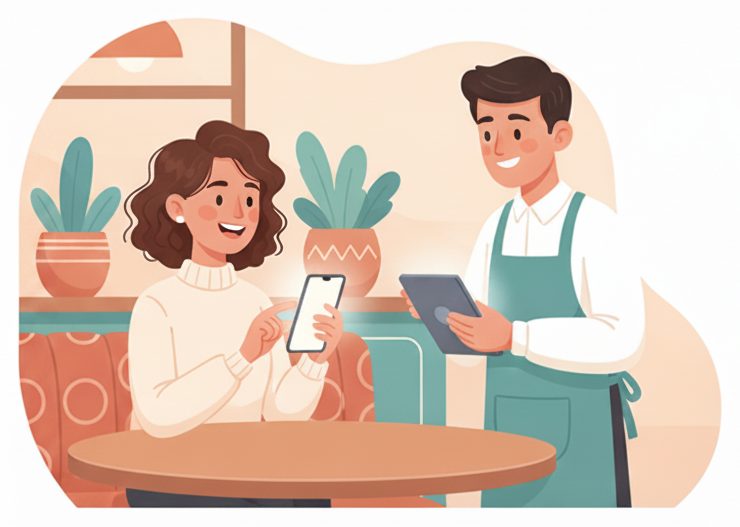
The dinner-rush bottleneck
A crowd at the host stand and hands in the air.
A packed entryway, guests unsure how long the wait is, and diners flagging for another round or the check.
✕ The old way
- ✕A crowd bunched at the host stand
- ✕Guests stuck waiting by the door
- ✕Flagging a busy server across the room
- ✕Waiting to catch someone for the check
✓ With SiteCheckin
- ✓A number on the phone — the door stays clear
- ✓Wait anywhere with a live place in line
- ✓A tap calls the server, water, or the check
- ✓Pay when you're ready — tables turn faster
How it works
One QR code. The whole visit — both sides.
A full dine-in visit, shown as the moment in the room plus the actual SiteCheckin screen at every step.
Join the line from the QR
Scan at the door and take your spot — no crowd at the host stand.
Gets a live place in line and can step away.
The party joins the board with size and wait.
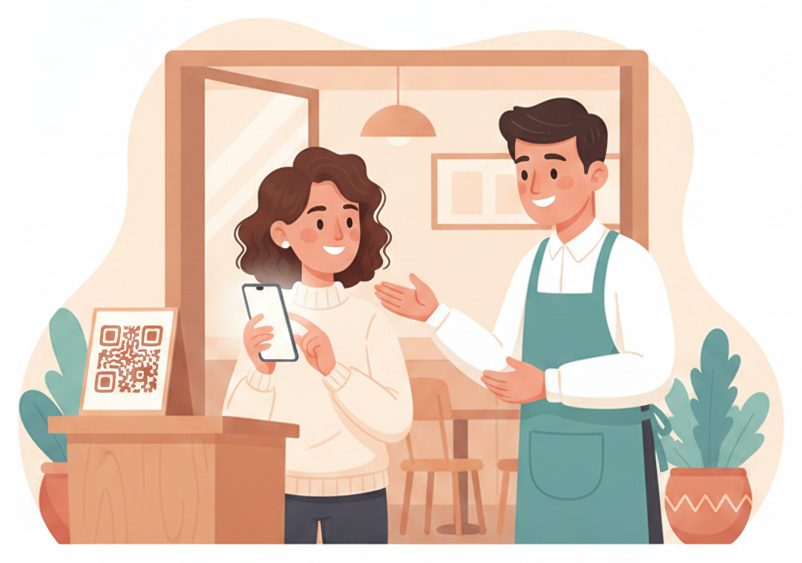
Wait anywhere you like
Grab a drink at the bar or wait in the car — your place stays live on your phone.
Sees “#4 · ~20 min” tick down live.
The lobby spreads out instead of crowding the door.
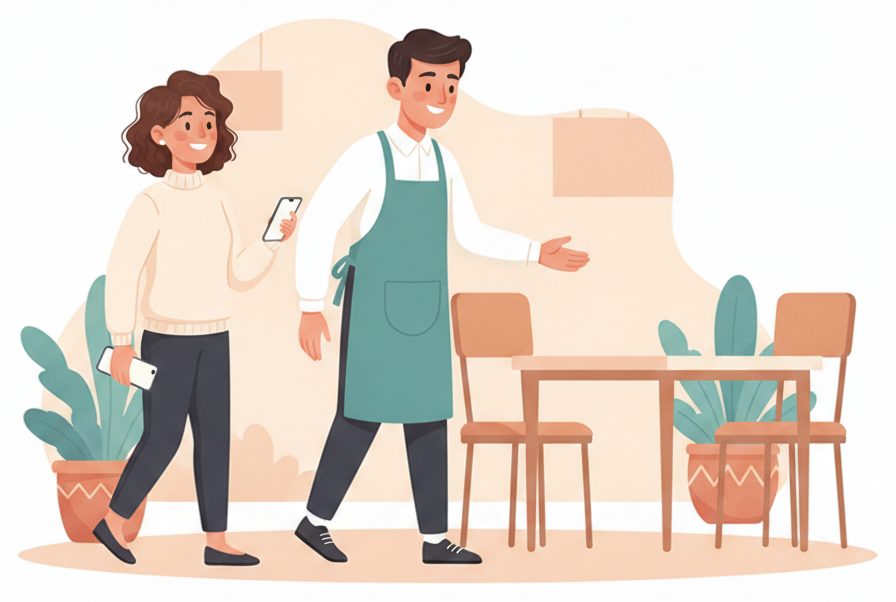
“Your table's ready”
When a table opens, their phone updates — they walk in right on time.
Sees it turn to ready and heads in.
Tap Seat; the board moves them to a table.
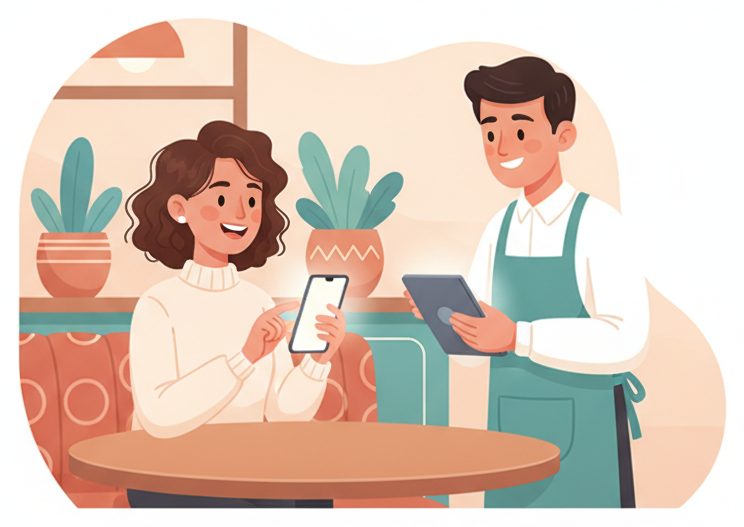
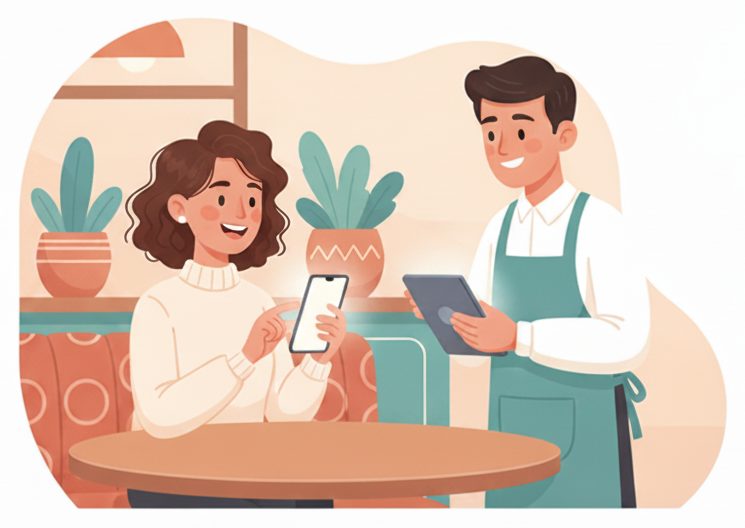
Call the server from the table
A tap asks for another round, water, or the check — no flagging across the room.
Taps “Call server” and keeps the conversation going.
The table flags on the board — a server goes when needed.
Settle up & free the table
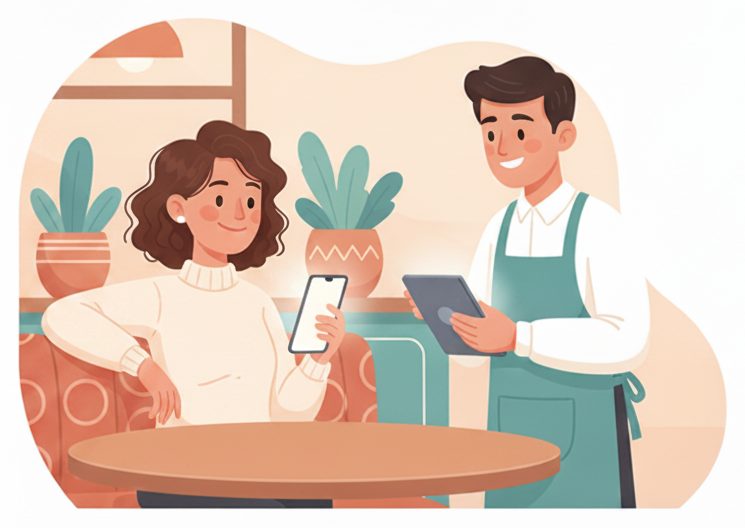
Ask for the check when you're ready; the table opens and the next party is seated.
Taps for the bill and heads out.
Close the ticket → the next party is seated.
The payoff
Why Restaurants teams switch.
No crowd at the door
Guests take a number on their phone instead of bunching up at the host stand.
Wait anywhere
A live place in line means guests can sit at the bar or wait in the car.
Call the server with a tap
Another round, water, or the check — without waving across a busy room.
No app to download
Guests scan a QR and use their browser. Your team runs it from a tablet.
Faster table turns
“Ask for the check” clears tables sooner and seats the next party.
Works your way
Complements your POS and floor plan — it manages the line, not your menu.
Illustrative sample figures, not guarantees. Some features (call-for-help, two-way chat) are switched on per location in settings; SiteCheckin complements your existing tools and doesn't replace them.
Questions
Restaurants FAQ
Do guests need to download an app?+
No. They scan a QR code and everything runs in their phone's browser — the waitlist, their live place in line, and the table-service buttons. Nothing to install.
Does it replace my POS?+
No — SiteCheckin manages the waitlist and table calls alongside how you already take orders and payment. It keeps the front of house organized.
Can guests call for the check?+
Yes. Call buttons let a table ask for another round, water, or the check, and the request flags on your board. You choose the buttons in settings.
How do guests know their table is ready?+
Their status page updates live on their phone the moment you seat them — and they can opt in for an email so they don't have to keep checking.
How do we get started?+
Try the live demo to see both sides, then set up your restaurant in about a day — print the QR and you're live.
See a full dine-in visit, both sides, in the live demo.
Watch the waitlist, wait-anywhere status, and the call-server flow work together — then start free and print your first QR code.