Prescription pickup, without the counter line.
A check-in and status app for pharmacies. Customers drop off from their phone, shop or wait while you fill it, and get a ready-for-pickup alert — so your counter stays clear and no one hovers waiting on a number.
The pickup-counter bottleneck
A line at the counter and “is it ready yet?” all day.
Customers queue just to ask if it's filled, the phone rings with status checks, and the counter clogs at the afternoon rush.
✕ The old way
- ✕A line just to ask if it's ready
- ✕Customers hovering by the counter
- ✕“Is my prescription filled?” phone calls
- ✕No easy way to reach the pharmacist
✓ With SiteCheckin
- ✓Check in from the phone — the counter clears
- ✓Shop or wait with a live fill status
- ✓A ready-for-pickup alert — no calling
- ✓Tap to ask the pharmacist a question
How it works
One QR code. The whole visit — both sides.
A full pharmacy visit, shown as the moment at the counter plus the actual SiteCheckin screen at every step.
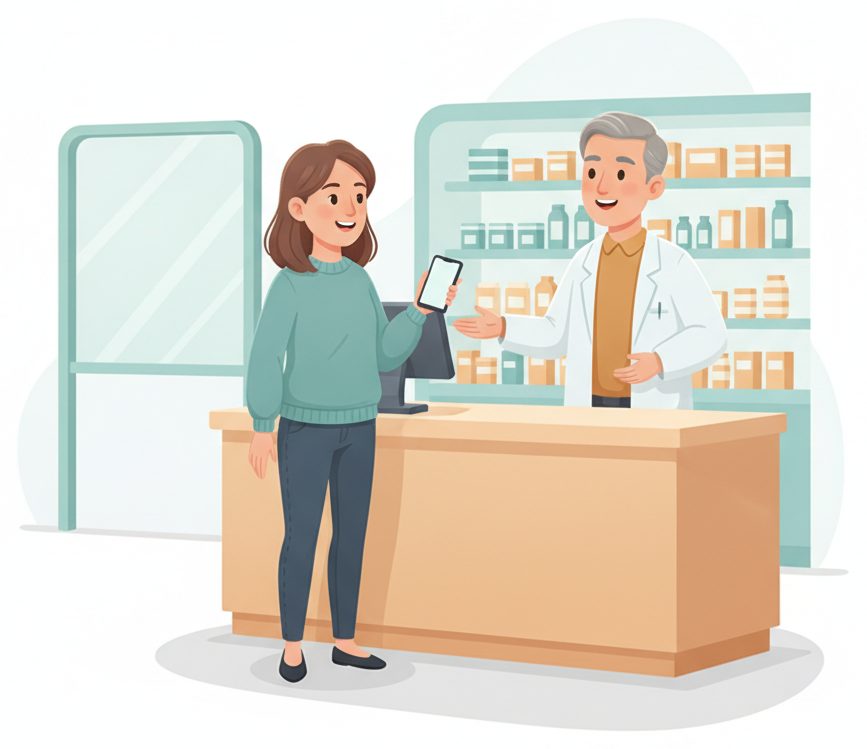
Drop off from the QR
Scan at the counter and check your prescription in — no line just to hand it over.
Checks in and gets a live fill status.
The order joins the board with items and notes.
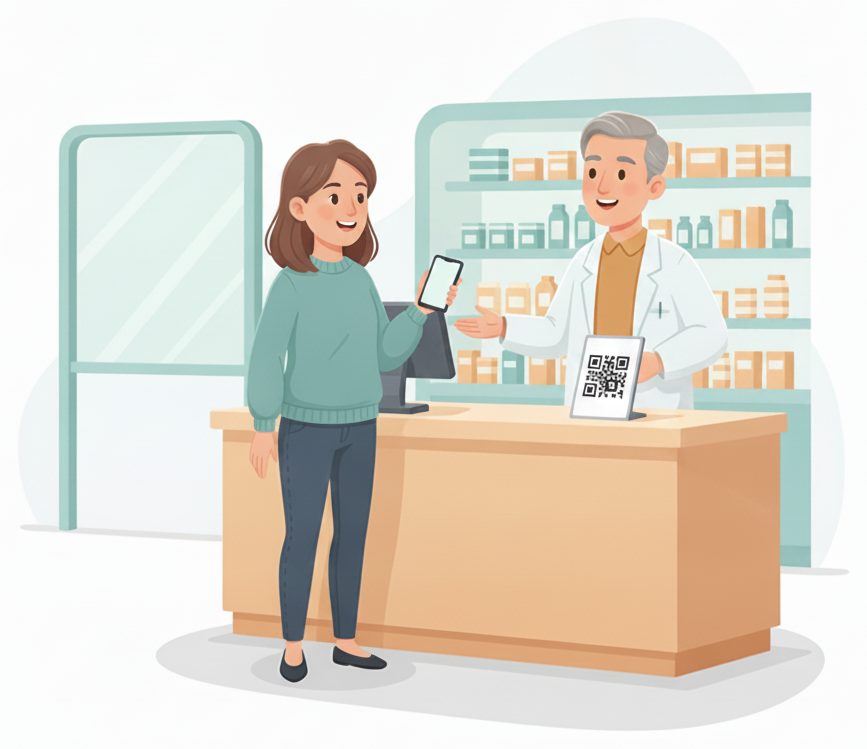
Shop or wait while we fill it
Browse the aisles or wait in the car — your fill status stays live on your phone.
Sees “Filling · ~20 min” update live.
The customer isn't hovering at the counter.
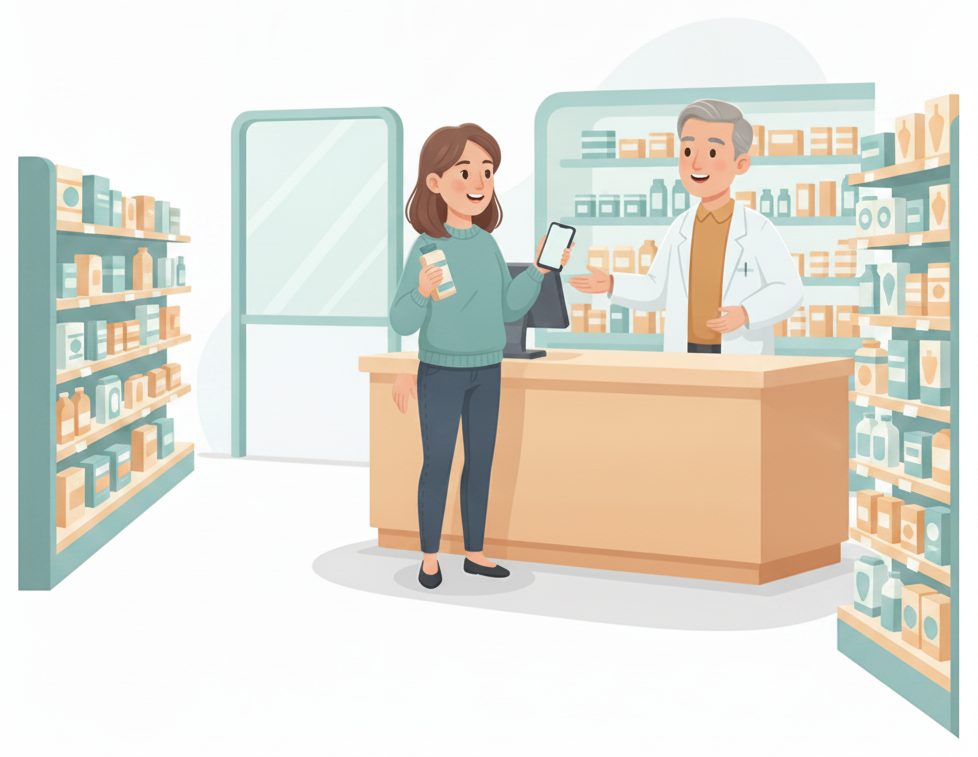
“Ready for pickup”
The moment it's filled, their phone updates — they come straight to the counter.
Sees it turn to ready and heads over.
Tap ready; the customer is alerted automatically.
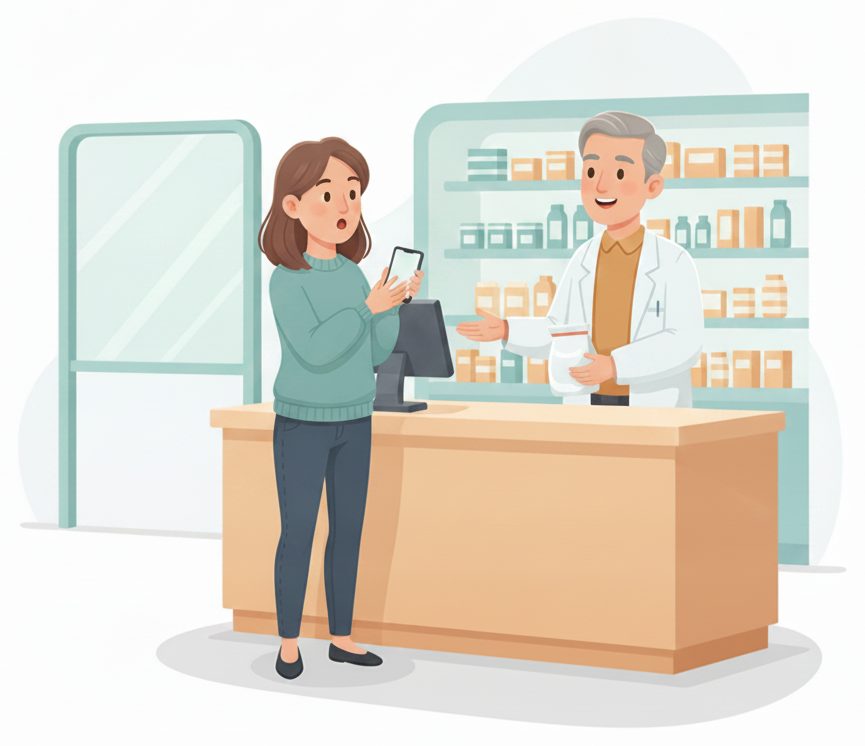
Ask the pharmacist
A tap asks a quick question or requests a consult — no waiting in line to be heard.
Taps “Ask a question” and stays put.
The request flags on the board — the pharmacist calls them up.
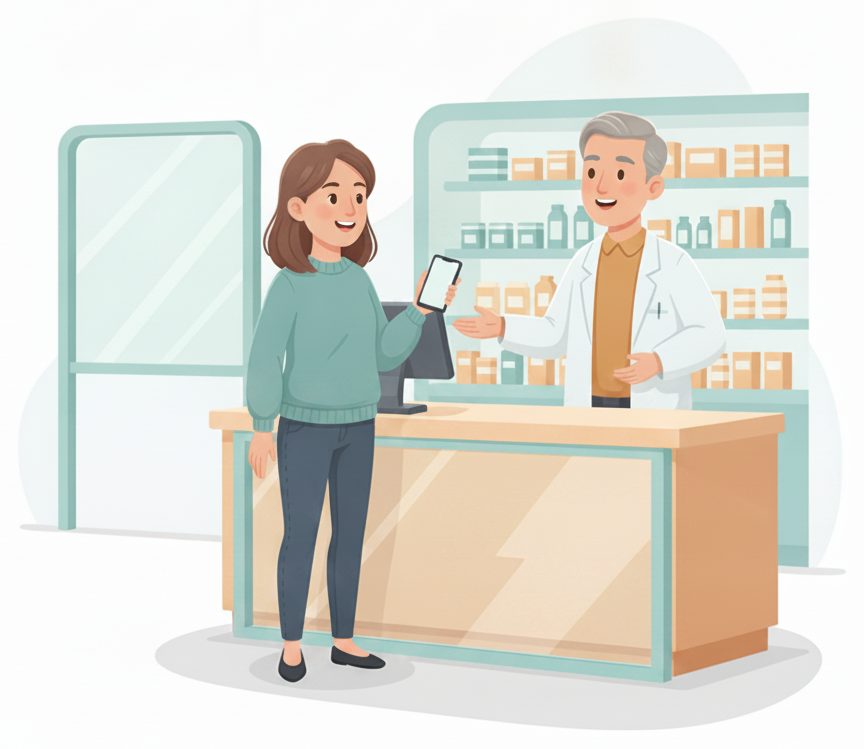
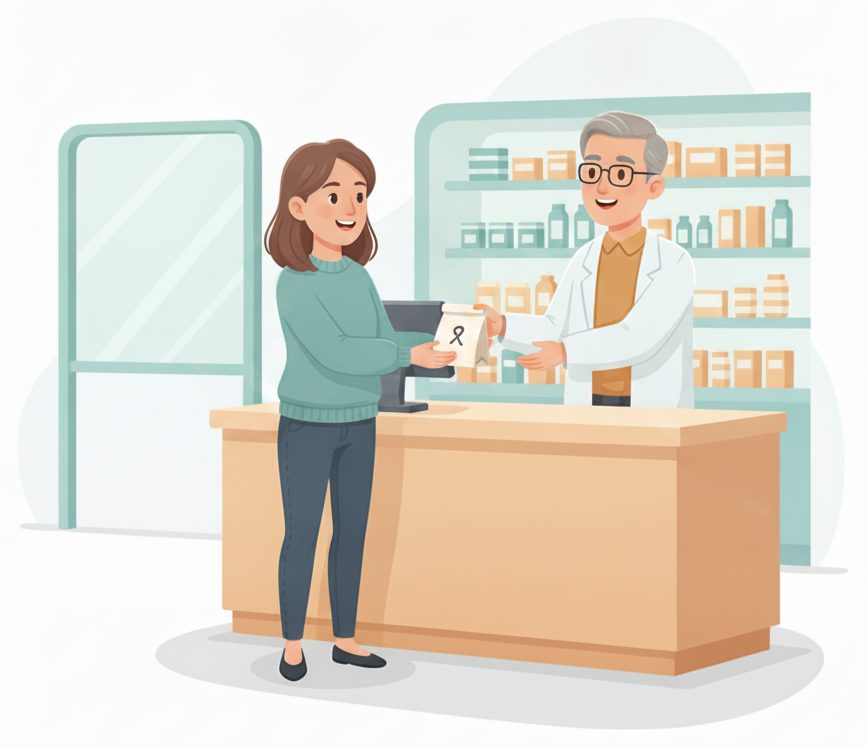
Pick up at the counter
Come straight up, grab your prescription, and you're on your way.
Picks up in seconds — no wait.
Close it out → the next customer is called.
The payoff
Why Pharmacies teams switch.
No line just to ask
Customers check in from their phone instead of queuing to see if it's filled.
Shop or wait, not hover
A live fill status means no standing at the counter watching the shelf.
Ready-for-pickup alerts
The phone updates the second it's filled — no more “is it ready?” calls.
Reach the pharmacist
A tap requests a question or consult, and the pharmacist calls the customer up in order.
No app to download
Customers scan a QR and use their browser. Your team runs it from a counter tablet.
Works with your pharmacy system
It manages check-in, status and pickup — not your dispensing or records.
Illustrative sample figures, not guarantees. Some features (call-for-help, two-way chat) are switched on per location in settings; SiteCheckin complements your existing tools and doesn't replace them.
Questions
Pharmacies FAQ
Do customers need to download an app?+
No. They scan a QR code and everything runs in their phone's browser — drop-off check-in, live fill status, and the ready-for-pickup alert. Nothing to install.
Is this a pharmacy dispensing or records system?+
No. SiteCheckin handles check-in, the fill-status queue, and pickup only — it complements your pharmacy software and doesn't store prescription records. Follow your own privacy and verification policies.
Can customers reach the pharmacist?+
Yes — a tap requests a question or a consult, and your team calls the customer up from the board. You choose the buttons in settings.
How does a customer know it's ready?+
Their status page updates live on their phone the moment you mark it filled — and they can opt in for an email so they can shop or wait in the car without checking.
How do we get started?+
Try the live demo to see both sides, then set up your pharmacy in about a day — print the QR for the counter and you're live.
See a full pharmacy visit, both sides, in the live demo.
Watch drop-off check-in, the live fill status, and the ready-for-pickup alert work together — then start free and print your first QR code.