Big line at the window? Let them wander.
A QR line and order-status app for food trucks. Customers take a spot from their phone, grab a seat while it cooks, and get an “order's up” ping — so the crowd spreads out and no one's stuck pressed against the truck.
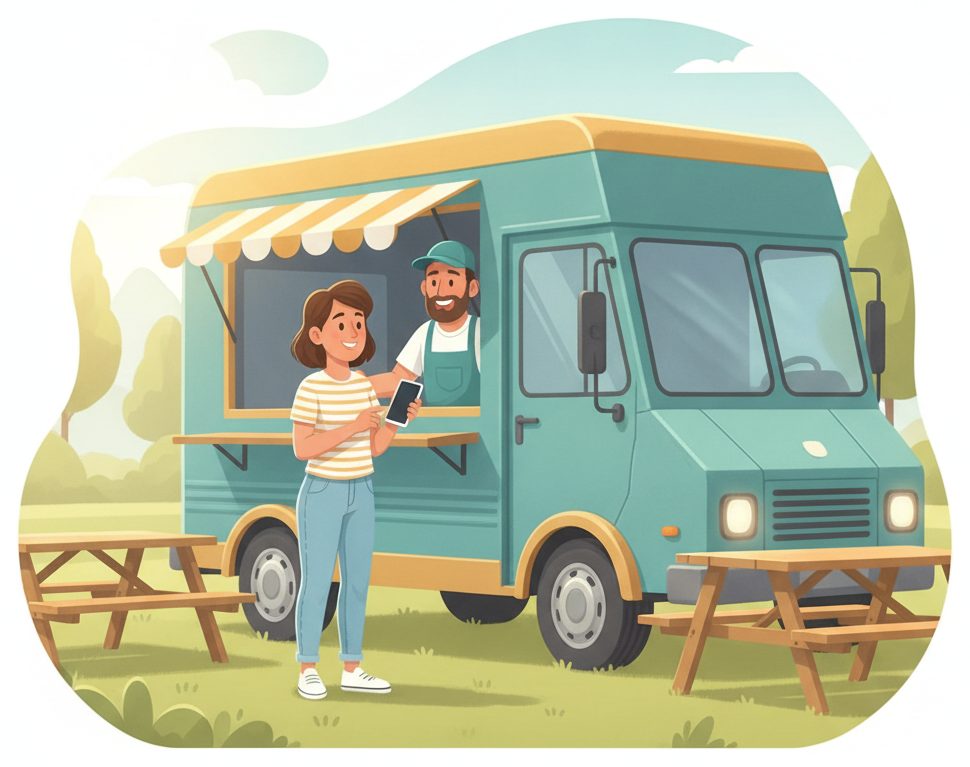
The lunch-rush bottleneck
A crowd at the window and names shouted over the lot.
A long line pressed against the truck, customers unsure if they've been skipped, and your team shouting orders over a noisy festival.
✕ The old way
- ✕A crowd bunched up at the window
- ✕Customers stuck waiting, unable to step away
- ✕Shouting names over a busy lot
- ✕People crowding back to ask “is mine ready?”
✓ With SiteCheckin
- ✓A number on the phone — the window stays clear
- ✓Customers grab a seat and watch their place
- ✓An order's-up ping — no shouting
- ✓They walk up only when it's actually ready
How it works
One QR code. The whole visit — both sides.
A full food-truck order, shown as the moment at the truck plus the actual SiteCheckin screen at every step.
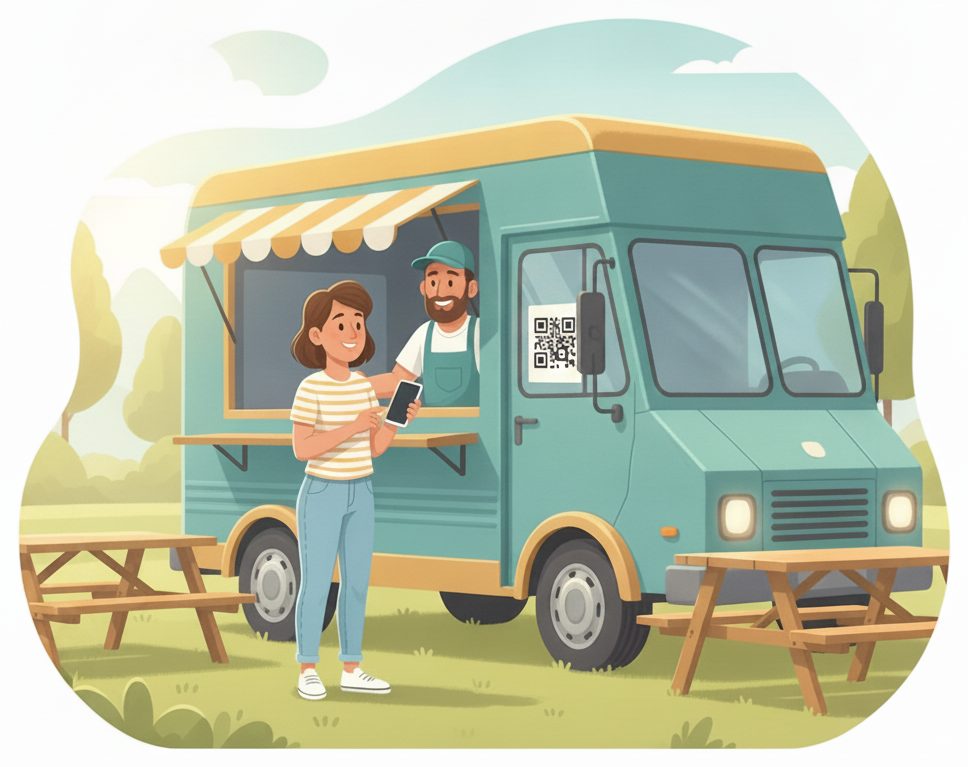
Join the line from the QR
Scan at the window and take your spot — no crowd pressed up against the truck.
Gets a live place in line and can step away.
The order joins the board with number and items.
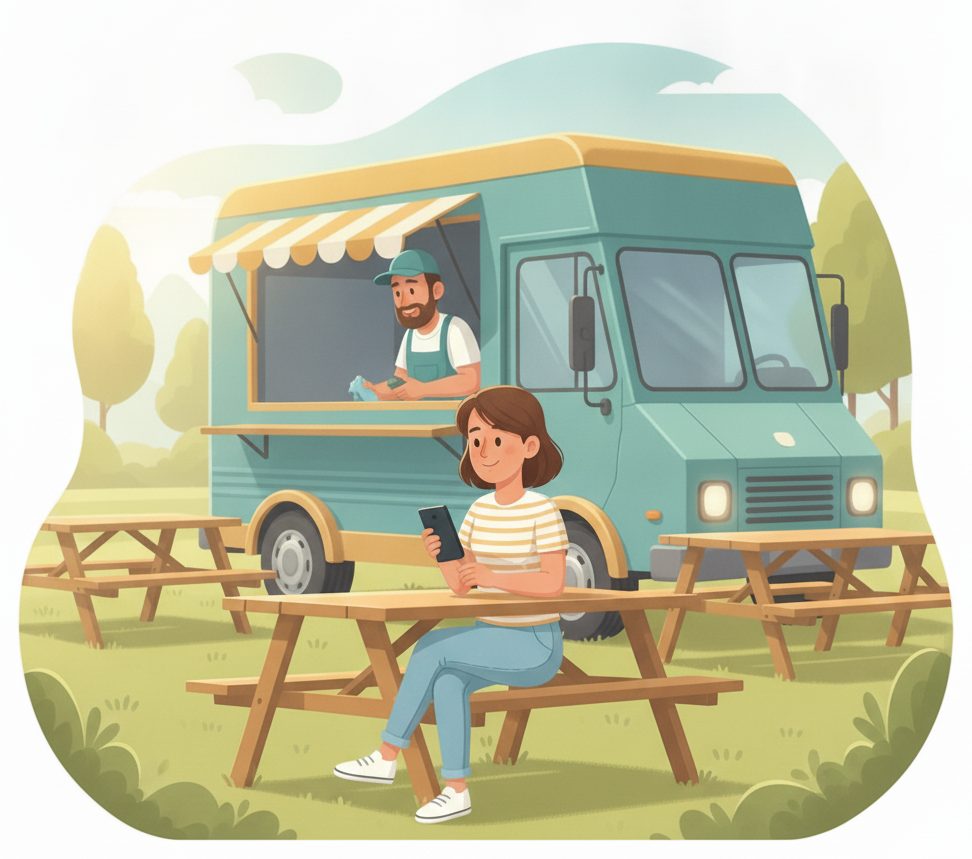
Grab a seat while it cooks
Find a shady picnic table or wander the festival — your place stays live on your phone.
Sees “#6 · ~15 min” tick down live.
The crowd spreads out instead of blocking the window.
“Order's up”
The moment it's ready, their phone updates — they walk straight up, no hovering.
Sees “Order's up · #47” and heads over.
Tap ready; the customer is pinged automatically.
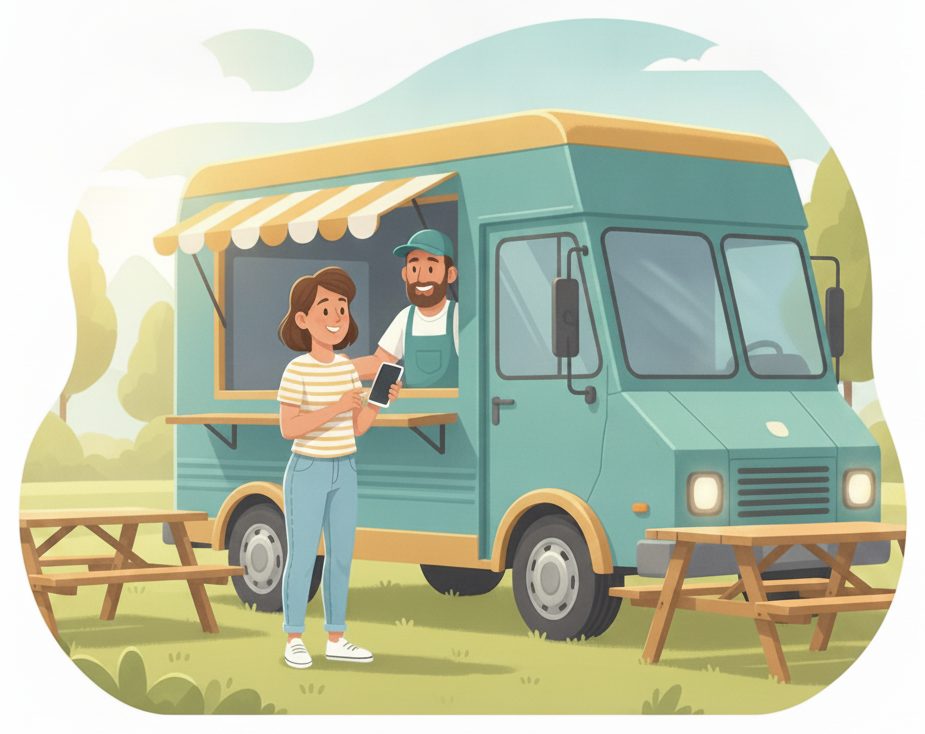
Pick up at the window
Come straight to the window, grab the food, and you're on your way.
Skips the scrum and picks up in seconds.
Hand it over and tap picked up.
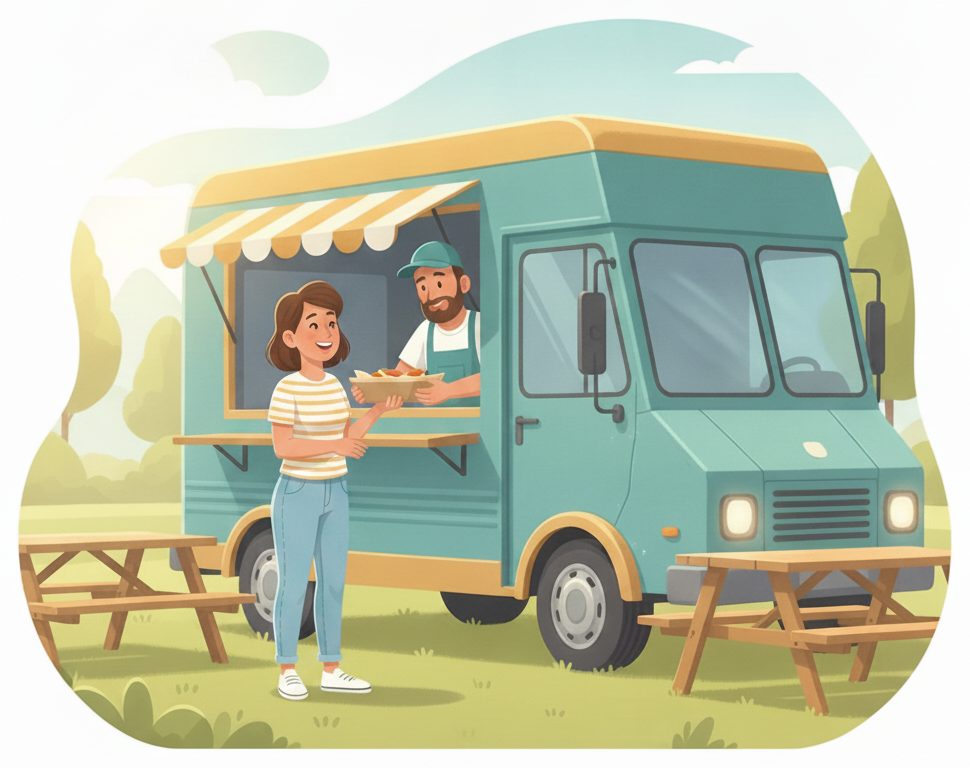
The line clears — next up
As each order is picked up, the board moves the next customer up automatically.
Enjoys the meal — no wait at the window.
Close it out → the next order is pinged.
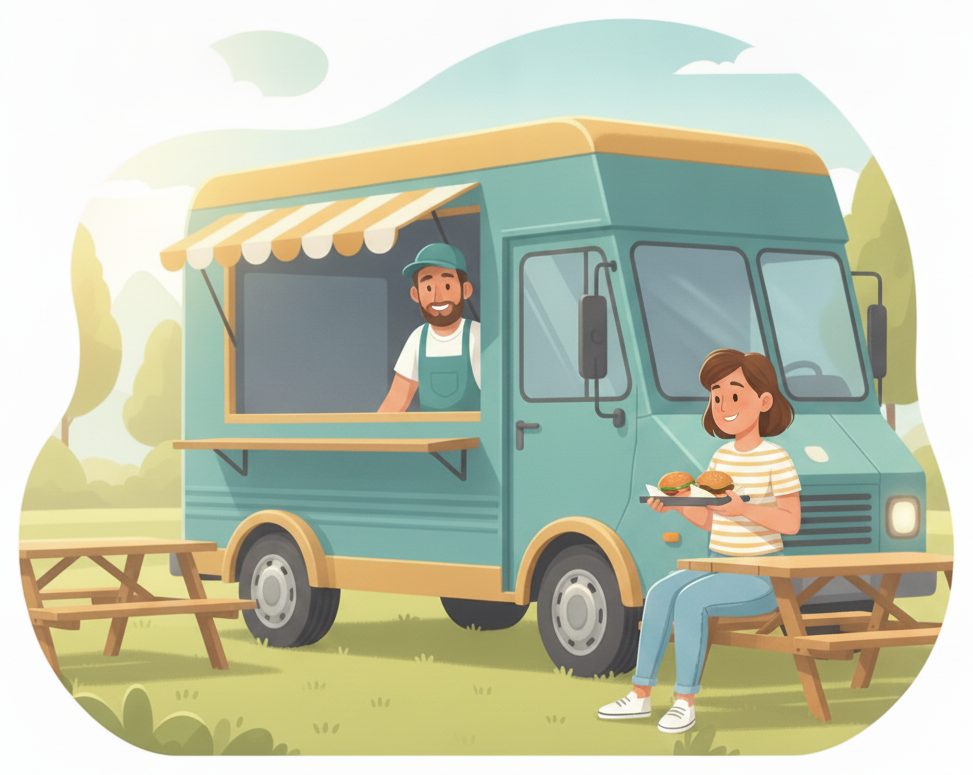
The payoff
Why Food trucks teams switch.
No crowd at the window
Customers take a number on their phone instead of bunching up against the truck.
A live place in line
They can sit, wander the festival, or watch the band — and still know when they're up.
Order's-up ping
Their phone updates the second it's ready — no shouting names over a busy lot.
No app to download
Customers scan a QR and use their browser. You run it from the tablet in the truck.
Faster pickups
People walk straight up when it's ready, so the window keeps moving.
Works anywhere you park
It's all phone-based — festivals, breweries, office parks, or a busy street corner.
Illustrative sample figures, not guarantees. Some features (call-for-help, two-way chat) are switched on per location in settings; SiteCheckin complements your existing tools and doesn't replace them.
Questions
Food trucks FAQ
Do customers need to download an app?+
No. They scan a QR code and everything runs in their phone's browser — taking a spot, watching their place, and the order's-up alert. Nothing to install.
Does it work at festivals and events?+
Yes — it's all phone-based, so it works wherever you park. Customers can wander the event and still know exactly when their order is up.
How do customers know their order is ready?+
Their status page updates live on their phone the moment you mark it ready — and they can opt in for an email, so you never have to shout names over the lot.
Does this replace my POS or ordering system?+
No — SiteCheckin handles the line and the ready alert alongside how you already take orders and payment. It keeps the crowd organized, not your menu.
How do we get started?+
Try the live demo to see both sides, then set up your truck in about a day — print the QR for the window and you're live.
See a full food-truck order, both sides, in the live demo.
Watch the QR line, wait-anywhere status, and the order's-up ping work together — then start free and print your first QR code for the window.