No crowd at your booth. Just the next visitor.
A virtual line for conference and career fair booths. Visitors scan at the booth, walk the floor, and come back when a rep calls their number — so your reps talk to people instead of managing a crowd.
The booth bottleneck
A crowd in the aisle — and the best visitors walk away.
When the booth is busy, people pile up in front of it, can’t tell how long it will be, and leave for the next booth. Reps can’t see who has been waiting longest.
✕ The old way
- ✕A crowd blocking the aisle
- ✕Visitors leave when they see the wait
- ✕No idea who was next
- ✕Reps juggling the crowd and the conversation
✓ With SiteCheckin
- ✓Scan a QR at the booth to get in line
- ✓Walk the floor with a live place in line
- ✓A rep calls the next number when they’re free
- ✓Reps focus on one conversation at a time
How it works
One QR code. The whole visit — both sides.
A full booth visit, shown as the moment on the floor plus the actual SiteCheckin screen at every step.
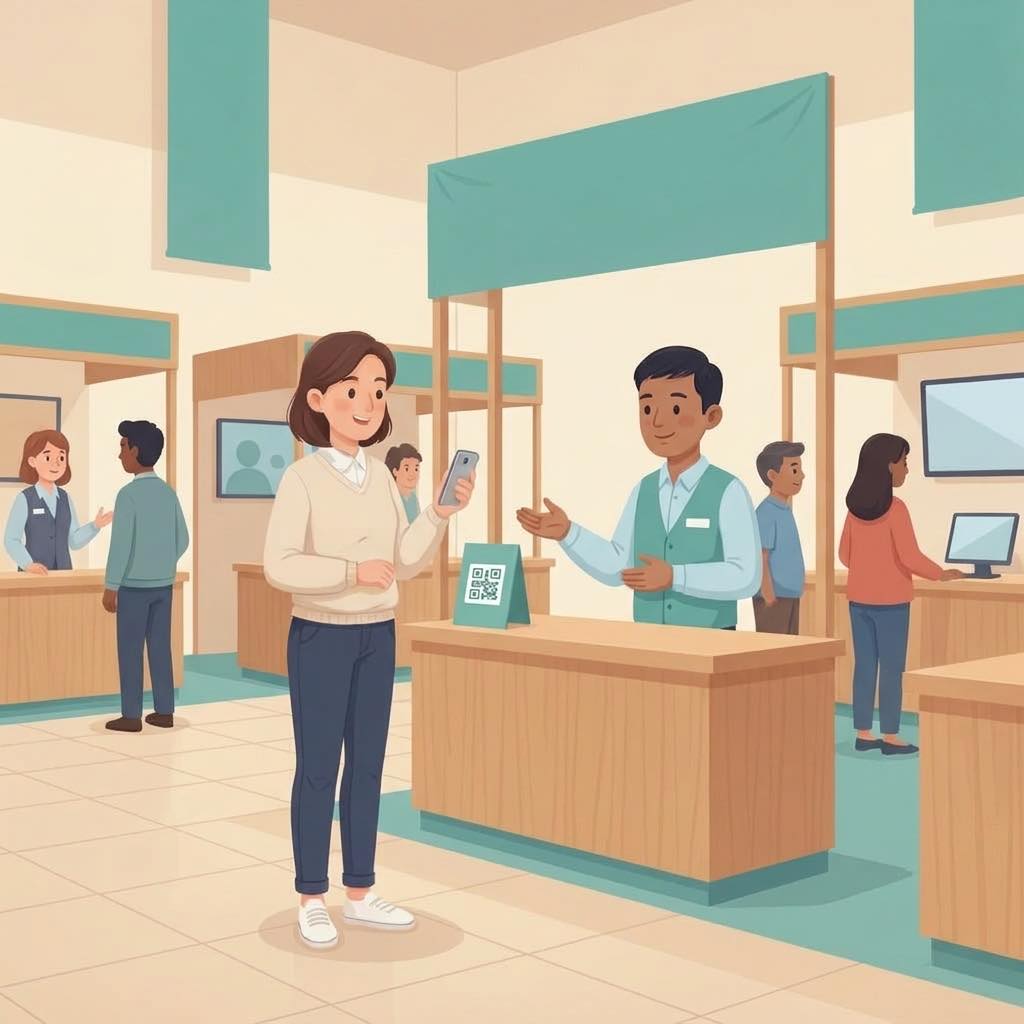
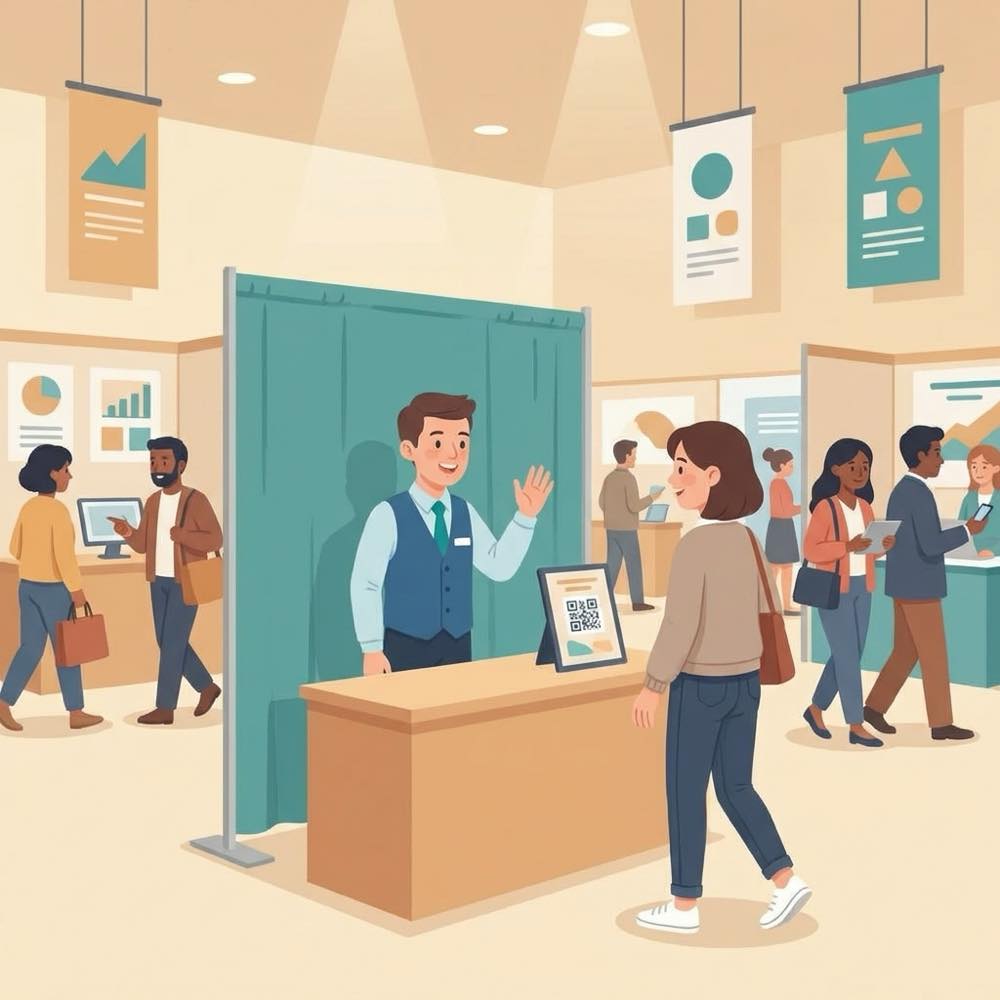
Scan at the booth
A QR sign on the table or banner — scan it and you’re in line. No sign-up sheet, no app.
Gets a live number on their phone.
The visitor joins the booth’s line.
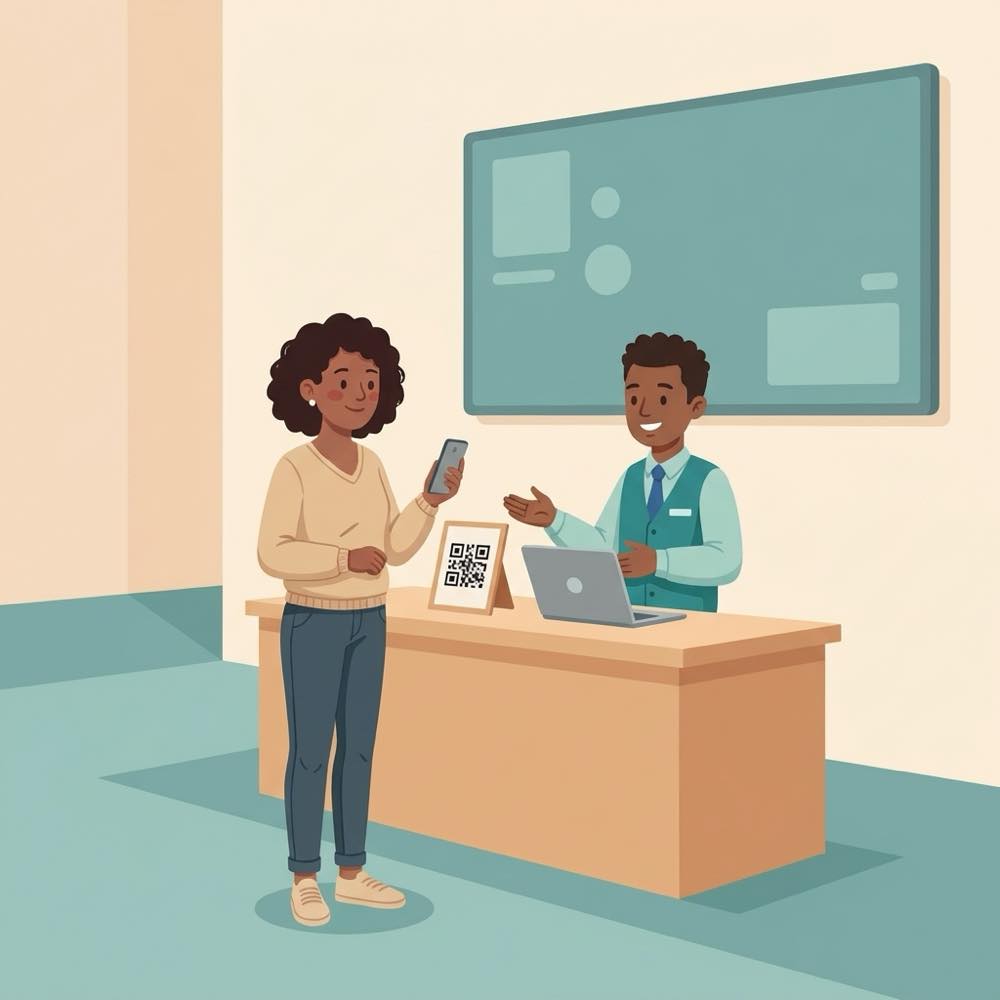
Walk the floor
Visit other booths while you wait — the place in line stays live on the phone.
Sees “3 ahead · ~10 min”.
The aisle in front of the booth stays clear.
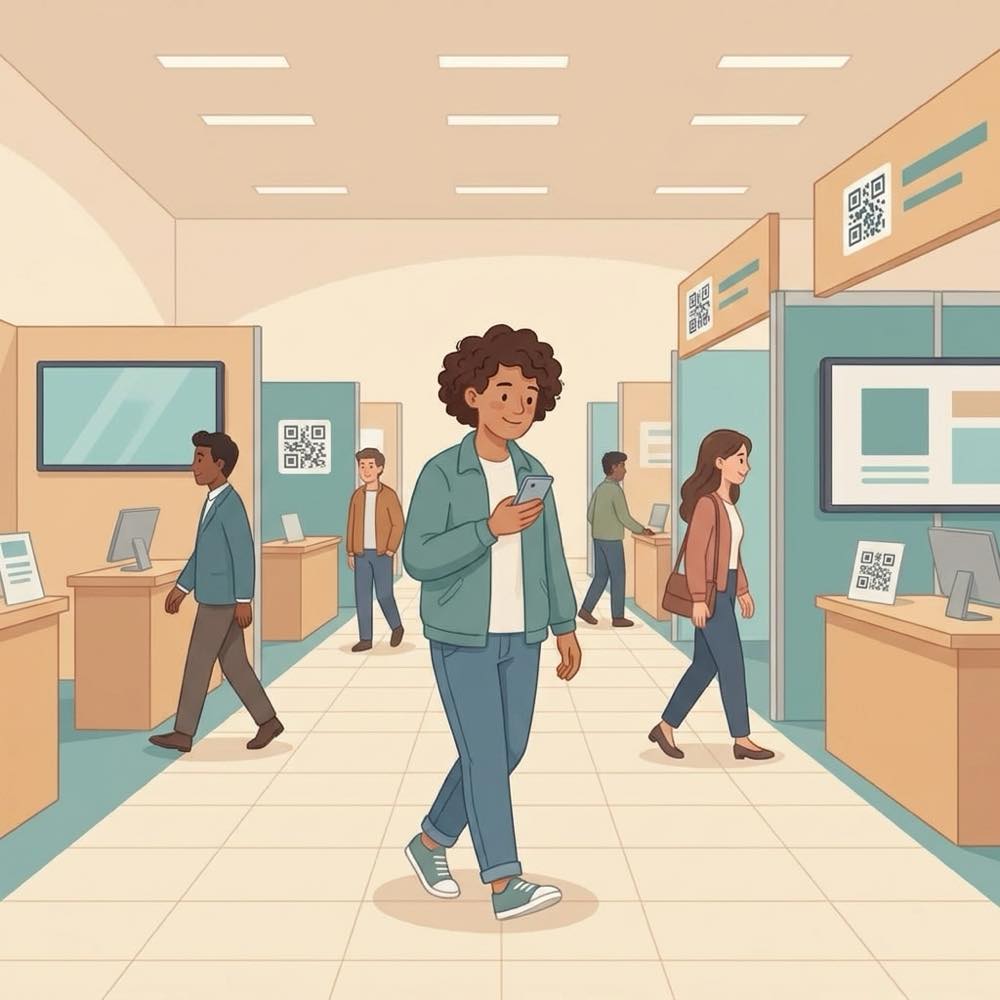
“Please come to Rep 1”
When a rep is free, the next number is called — the phone says exactly who to see.
Heads back to the booth.
Call next from My booth (or auto-call).
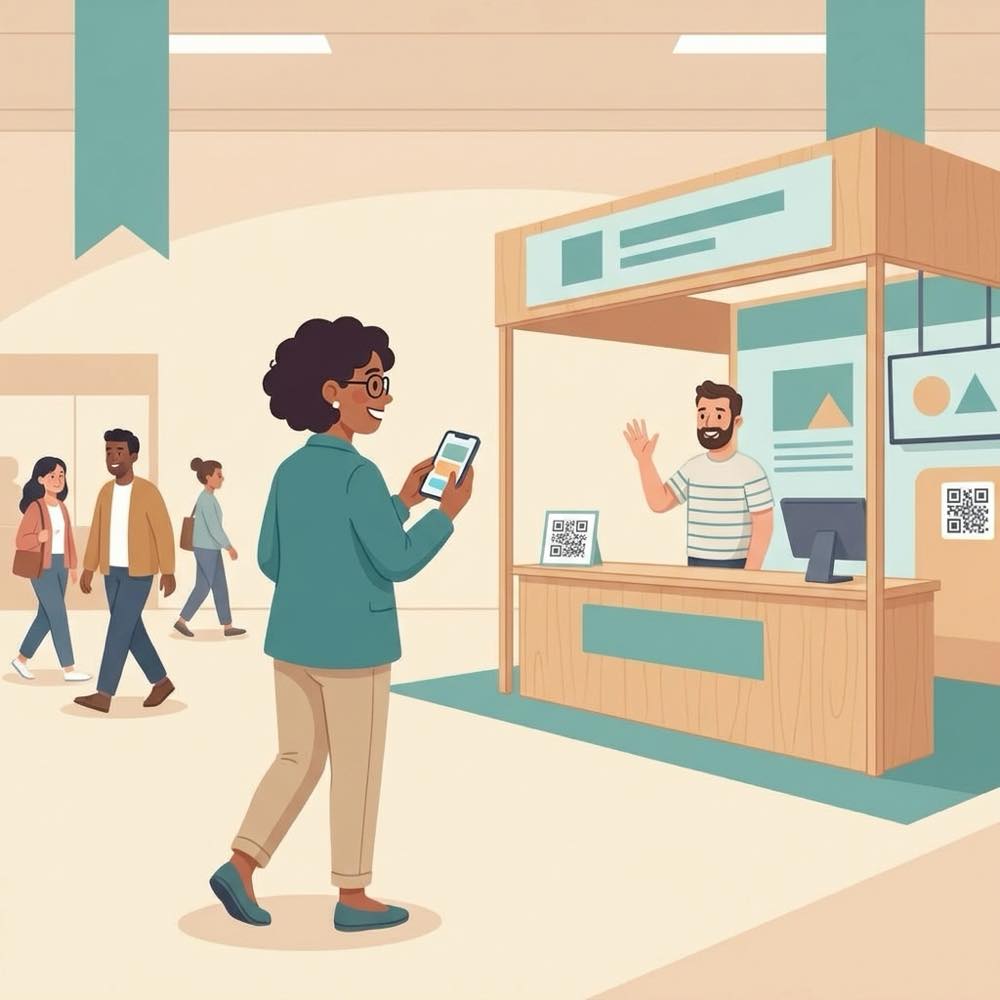
Straight to the right rep
An optional screen at the booth shows who’s being served and who’s next.
No hovering, no guessing.
Rep 1 on the now-serving screen.
Great conversation — next
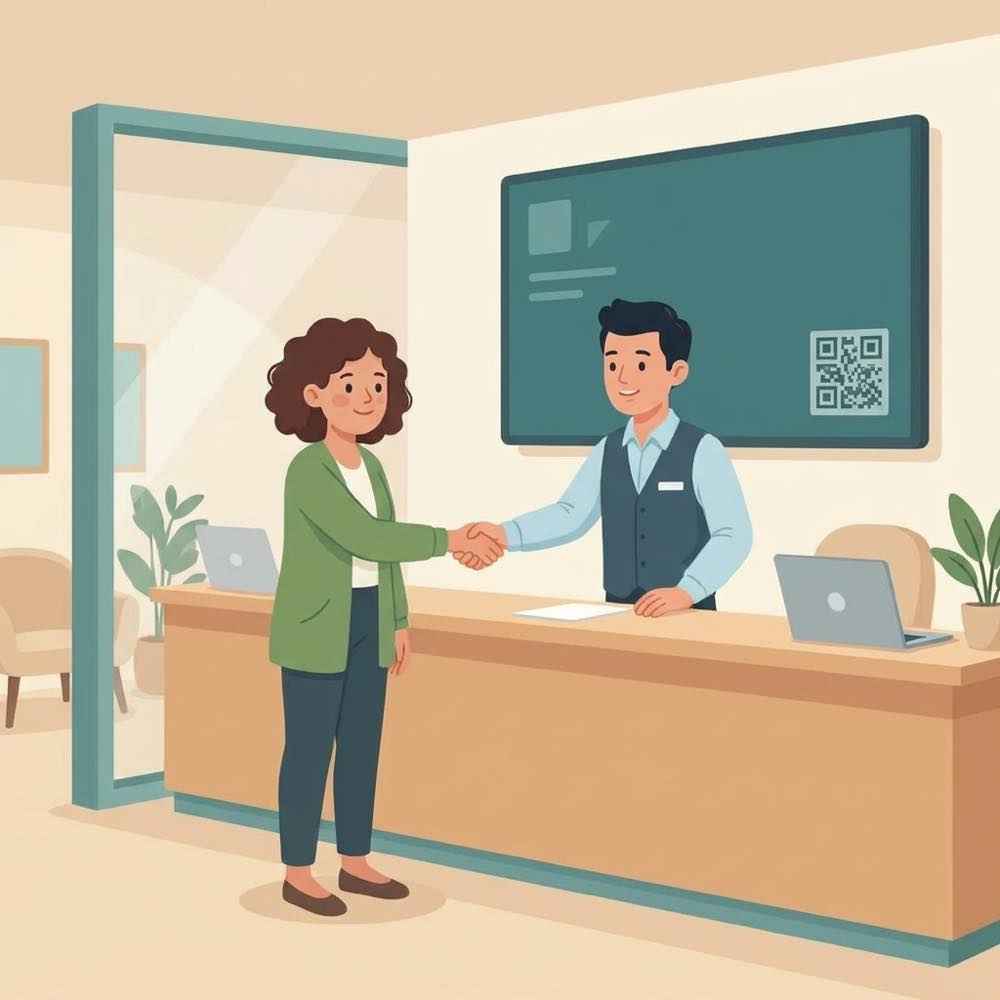
Finish the chat and the next visitor is on their way.
Got real time with a rep.
Mark done → next number called.
The payoff
Why Conference booths teams switch.
No crowd in the aisle
The line lives on phones, so the space in front of the booth stays open and inviting.
Visitors keep exploring
A live place in line means people walk the floor instead of leaving for good.
Called to the right rep
Each number goes to a specific rep — on the phone and on an optional booth screen.
Fair, in order
Everyone is called in the order they joined, so no one gets skipped in the crush.
Nothing to install
Visitors scan and use their browser; reps run the booth from a phone or laptop.
A quick message
Visitors can send a message from their ticket — “running 2 minutes late” — and reps can reply.
Illustrative sample figures, not guarantees. Some features (call-for-help, two-way chat) are switched on per location in settings; SiteCheckin complements your existing tools and doesn't replace them.
Questions
Conference booths FAQ
Do visitors need an app?+
No. They scan a QR code and everything runs in their phone’s browser — joining, watching their place, and the call to a rep.
Can several reps share one booth?+
Yes. Each rep is a spot that calls the next number, and visitors are told which rep to see.
What if someone wanders too far?+
Their phone shows their live place in line, and with call-ahead the next visitors are called a little early so reps aren’t left waiting.
Does it work for a whole career fair?+
Yes — each booth gets its own line, and an organizer can run many booths under one business.
How do we get started?+
Try the live booth demo, then create your booth, print the QR sign, and you’re ready — it takes minutes.
See a full booth visit, both sides, in the live demo.
Watch scan-at-the-booth, walk-the-floor status, and the rep call work together — then start free and print your booth sign.