Service updates, without the phone tag.
A check-in and status app for auto service. Customers check in from their phone, watch their service status live, and get a ready-for-pickup alert — so your advisors stop playing phone tag and your lounge stays calm.
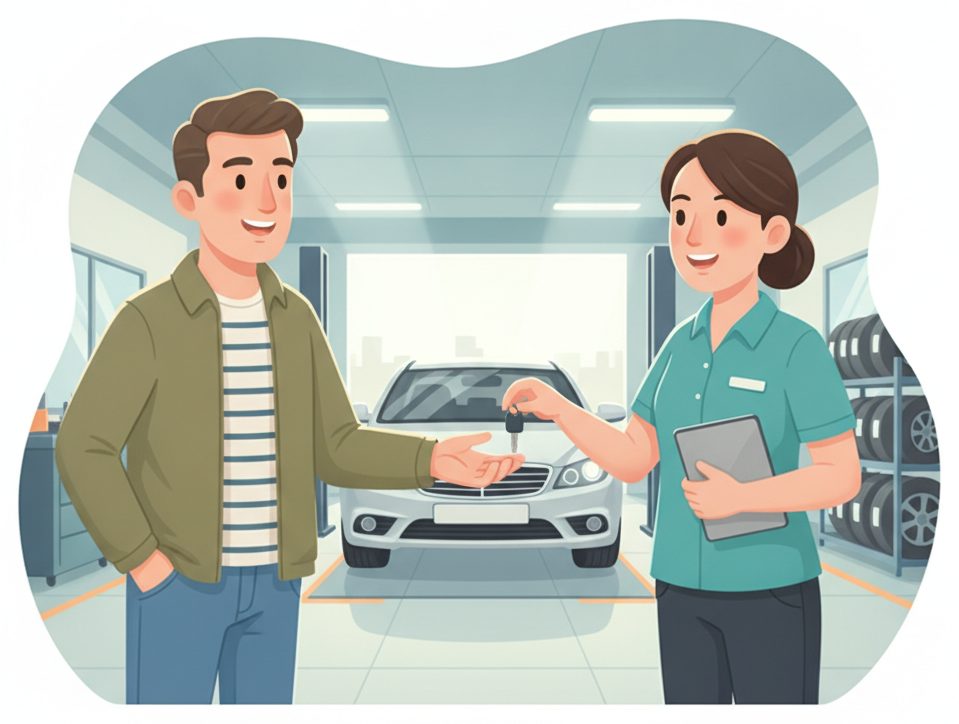
The service-drive bottleneck
A ringing phone and a waiting room full of “is it done yet?”
Advisors field status calls all day, customers hover in the lounge, and no one's sure when the car is actually ready.
✕ The old way
- ✕A clipboard and a line at the counter
- ✕Customers waiting in the lounge all day
- ✕“Is my car ready yet?” phone calls
- ✕No clear record of who was updated when
✓ With SiteCheckin
- ✓Scan-to-check-in — the counter stays clear
- ✓Customers run errands with live status
- ✓A ready-for-pickup alert — no calling around
- ✓Every update time-stamped on the board
How it works
One QR code. The whole visit — both sides.
A full service visit, shown as the moment in the shop plus the actual SiteCheckin screen at every step.
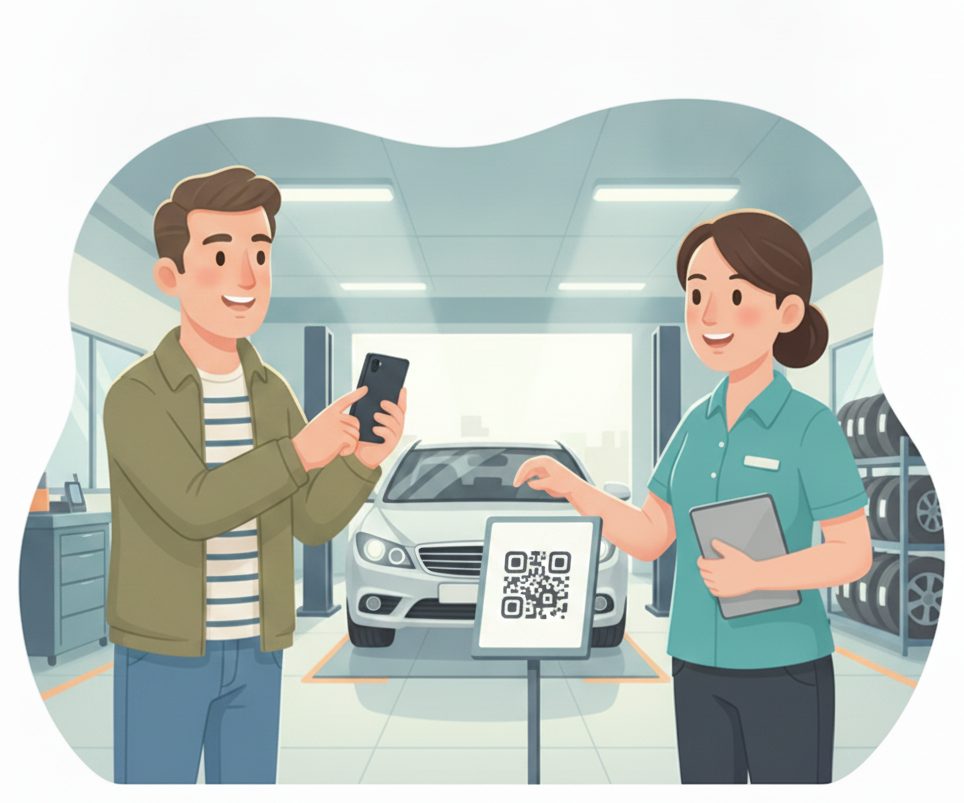
Check in from the QR
Scan at the drive and check in — no clipboard, no line at the service counter.
Confirms the service and gets a live status link.
The vehicle joins the board with service and notes.
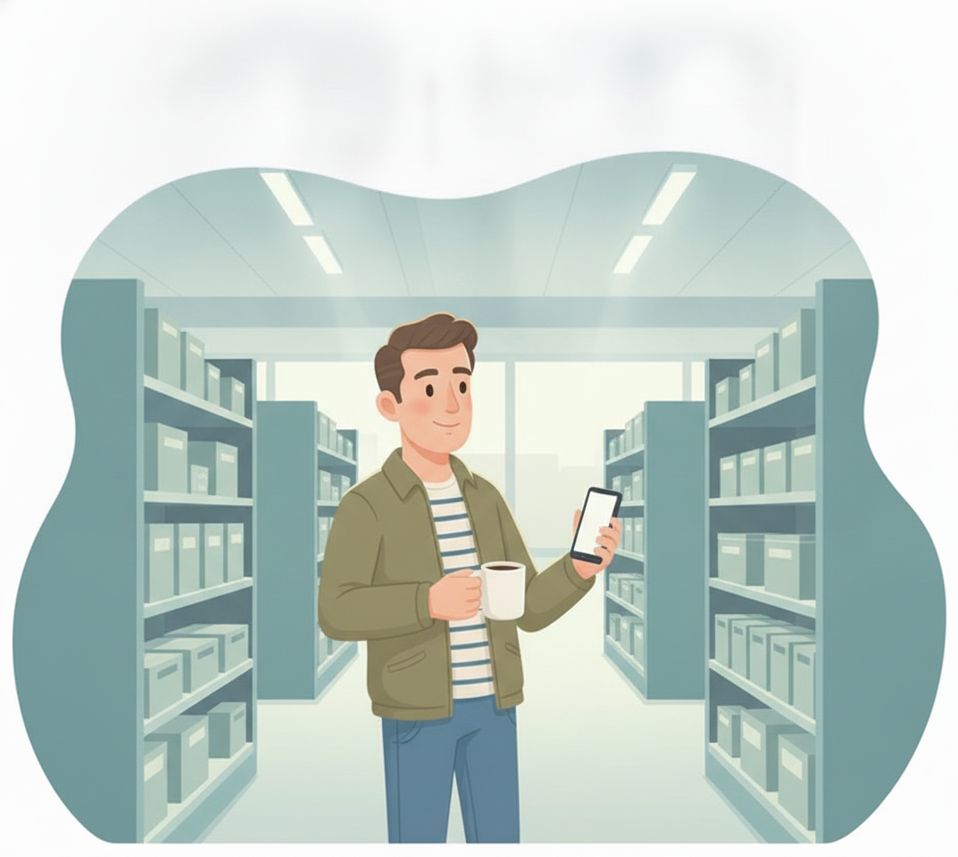
Run errands while we work
Grab a coffee or head to the office — the service status stays live on the phone.
Sees “In progress · ~45 min” update live.
The customer isn't hovering in the lounge.
“Your car's ready”
The moment it's done, their phone updates — no calling around.
Sees it turn to ready and heads back.
Tap done; the customer is alerted automatically.
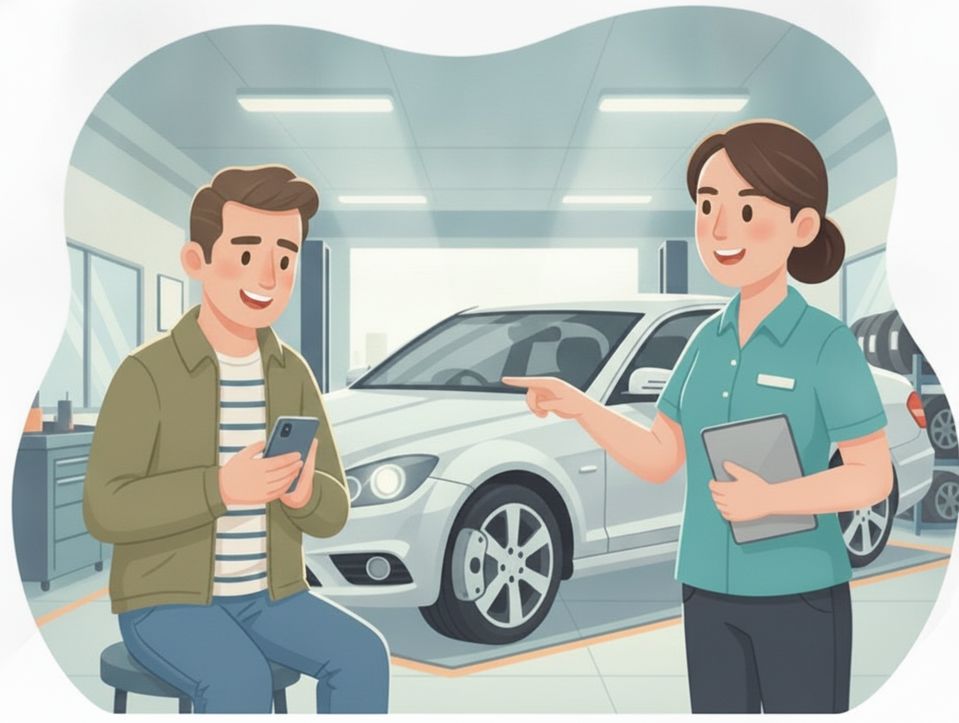
A quick question, answered
From the lounge, a tap asks a question or approves more time — no chasing an advisor.
Taps “Question” and keeps browsing.
The request flags on the board — an advisor replies.
Pick up & go
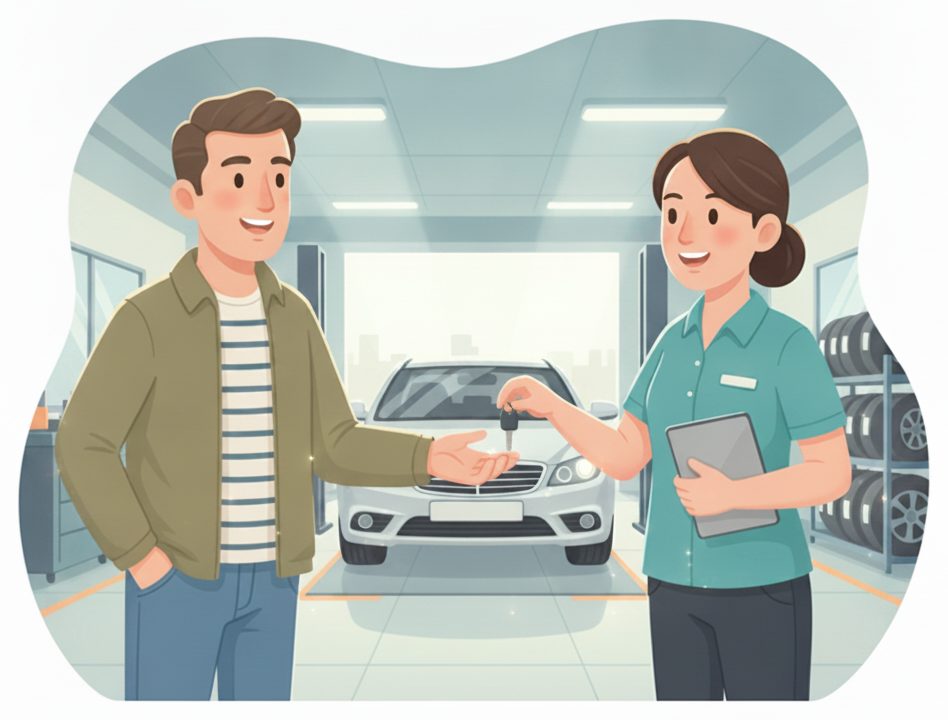
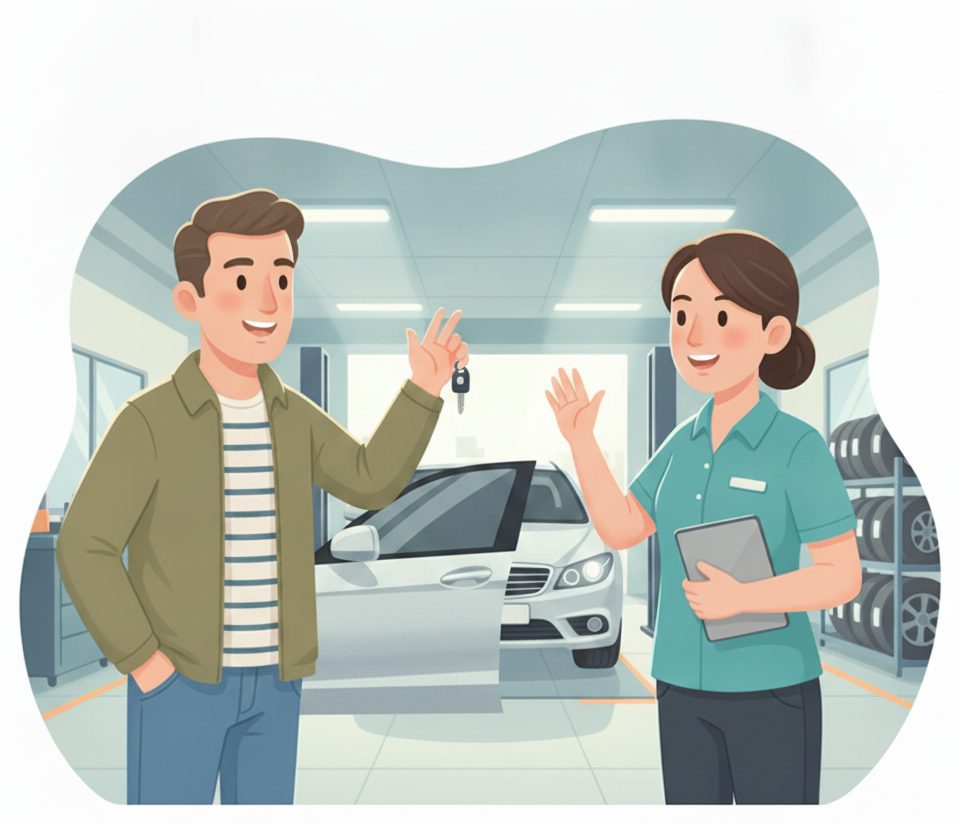
When the customer arrives, the car's handed back and the bay opens up.
Pays and drives off — no wait at the counter.
Close it out → the board updates and the bay frees.
The payoff
Why Auto service teams switch.
No clipboard at the drive
Customers scan and check in from their phone — the service counter stays clear.
Customers can run errands
A live status means no one has to wait in the lounge all morning.
Ready-for-pickup alert
The phone updates the second the car is done — no more “is it ready?” calls.
No app to download
Customers scan a QR and use their browser. Advisors use the tablet you already have.
Every update logged
Status changes are time-stamped on the board — clear records, fewer disputes.
Works alongside your DMS
It manages check-in and status, not your estimates or invoicing.
Illustrative sample figures, not guarantees. Some features (call-for-help, two-way chat) are switched on per location in settings; SiteCheckin complements your existing tools and doesn't replace them.
Questions
Auto service FAQ
Do customers need to download an app?+
No. They scan a QR code and everything runs in their phone's browser — check-in, live service status, and the ready-for-pickup alert. Nothing to install.
Does it replace my shop management system?+
No — SiteCheckin handles check-in and live status alongside your DMS. It keeps customers informed while you run estimates and invoicing where you always have.
Can customers approve extra work?+
Customers can tap to ask a question or flag that they need more time, and your advisor replies. For formal approvals, keep using your DMS workflow.
How does the customer know the car is ready?+
Their status page updates live on their phone the moment you mark it done — and they can opt in for an email so they don't keep calling.
How do we get started?+
Try the live demo to see both sides, then set up your shop in about a day — print the QR for the drive and you're live.
See a full service visit, both sides, in the live demo.
Watch scan-to-check-in, the live service status, and the ready-for-pickup alert work together — then start free and print your first QR code.